

In the early days of the internet, security wasn’t the top priority—simply getting data from one computer to another was the goal. Today, with passwords and credit card numbers flying across the web, the “S” in HTTPS has become the most important letter in your browser’s address bar. 🛡️
Let’s explore the differences between these two foundational protocols. I’ll ask some guiding questions along the way to help you master the “how” and “why” behind web security.
HTTP vs. HTTPS: The Key Differences 🌐
|
Feature |
HTTP (Hypertext Transfer Protocol) | HTTPS (Hypertext Transfer Protocol Secure) |
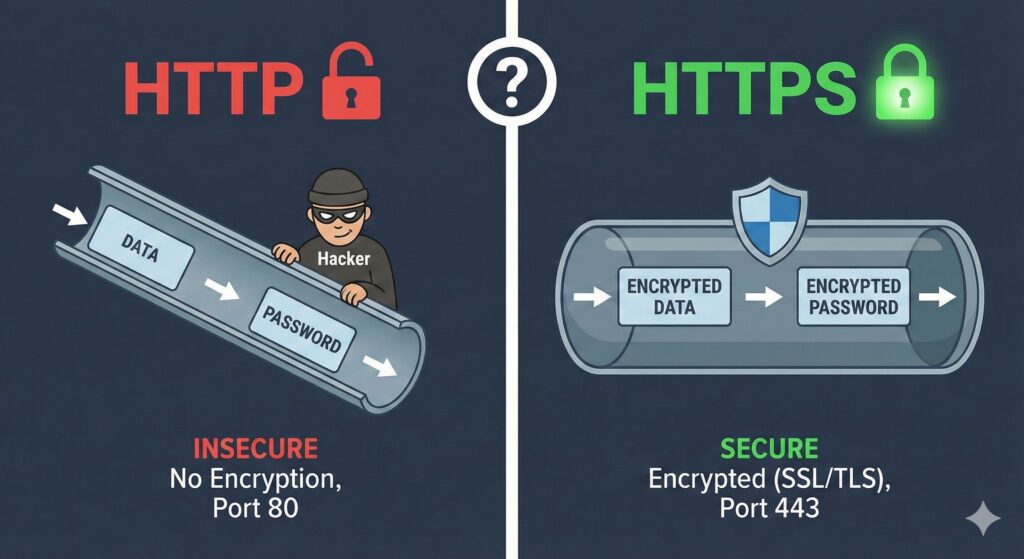
| Security 🔒 | Data is sent in plaintext. Anyone can read it. | Data is encrypted. Intercepted data looks like gibberish. |
| Encryption 🔑 | None. | Uses SSL/TLS certificates. |
| Default Port 🔌 | 80 | 443 |
| Authentication ✅ | No verification of the server’s identity. | Verifies that the website is who it claims to be. |
| SEO Impact 📈 | Neutral or negative (lower ranking). | Positive (Google gives ranking boosts to secure sites). |
Real-World Examples 🏢
-
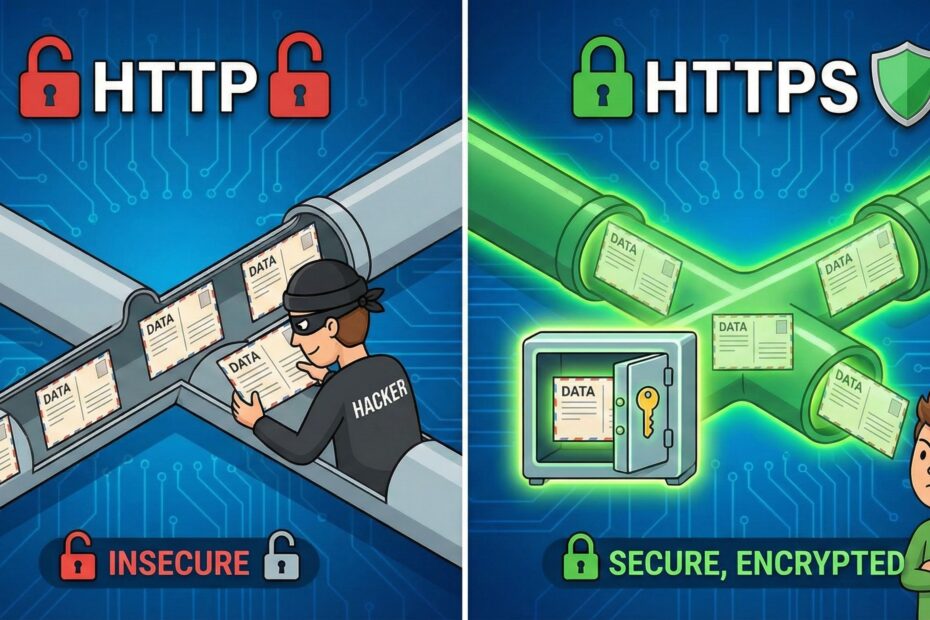
HTTP Example: Imagine sending a postcard through the mail. ✉️ Your letter carrier, the person at the sorting facility, and anyone else who touches that card can read exactly what you wrote.
-
HTTPS Example: Imagine sending a letter in a locked safe. 🔐 Even if someone steals the safe while it’s in transit, they can’t see what’s inside because they don’t have the key. Only the intended recipient can unlock it.
Conclusion 🏁
While HTTP was the original standard, HTTPS is now the industry requirement. It protects user privacy, ensures data hasn’t been tampered with, and builds trust through the little padlock icon in the browser bar.
To get started with our exploration, let’s think about that “S” for a moment. Besides making the connection secret (encryption), HTTPS also uses something called Authentication.
Why do you think it is important for your browser to “authenticate” (verify) a website like your bank before it lets you type in your password?