

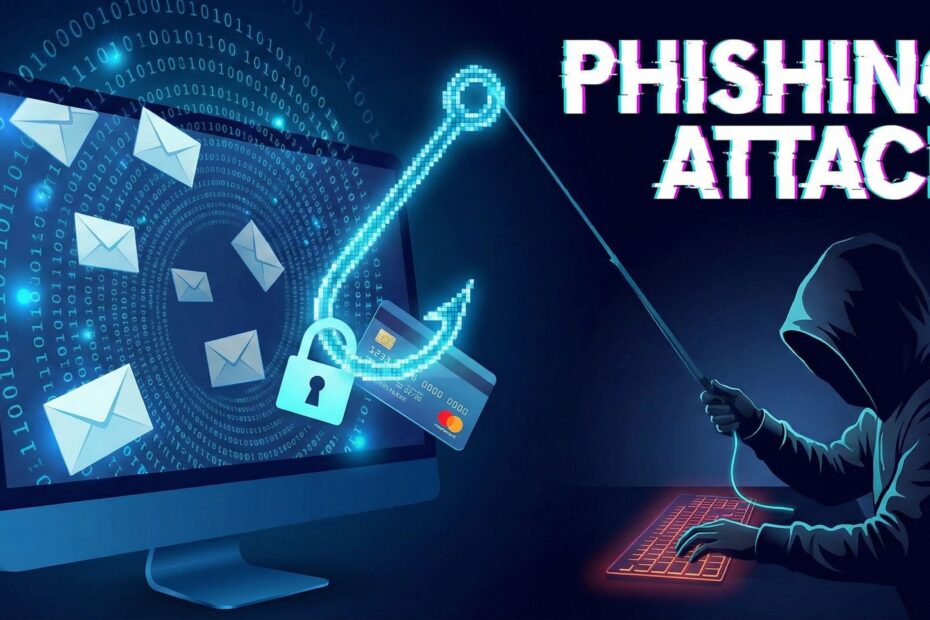
Imagine you are a fish swimming in the ocean. Suddenly, you see a delicious worm dangling right in front of you. It looks like a free lunch, but we all know there is a sharp hook hidden inside.
Phishing works exactly the same way, but instead of fish, the target is you, and instead of a worm, the trap is a misleading details in email or message.
What is a Phishing Attack?
A phishing attack is when a scammer pretends to be someone you trust—like your bank, Netflix, or even your boss—to trick you into giving them sensitive information. They aren’t “hacking” into your computer with complex code; they are simply tricking you into opening the door for them.
Their goal is usually to steal your:
-
Passwords
-
Credit card numbers
-
Social Security number
A Simple Example: The “Urgent” Alert 🚨
Here is how a classic phishing attack happens:
-
The Hook: You get an email that looks exactly like it’s from your bank. The subject line says: “URGENT: Suspicious Activity Detected on Your Account.”
-
The Panic: The email says your account will be locked unless you verify your identity immediately. This is designed to make you scared so you stop thinking clearly.
-
The Trap: There is a big button that says “Verify Now.”
-
The Catch: If you click that button, you are taken to a fake website that looks like your bank’s login page. When you type in your username and password, you aren’t logging in—you are sending your password directly to the scammer.
How to Prevent Phishing Attacks 🛡️
You can stop these attacks by being observant. Here is your safety checklist:
-
Check the Sender’s Address: Look closely at the email address. Does it say
support@amazon.comorsupport@amazon-security-update.xy? Scammers often use slightly wrong spellings. -
Hover Before You Click: If there is a link or button, hover your mouse cursor over it (without clicking!). A little box will pop up showing the real website address. If it looks strange, don’t click it.
-
Beware of Urgency: Scammers love to use words like “Urgent,” “Immediate Action Required,” or “Final Notice.” Real companies rarely demand you do something within 5 minutes.
-
Verify Independently: If you get an email from your bank saying there is an issue, don’t click the link in the email. Close the email, go to your browser, and type in your bank’s website address yourself.
-
Enable Two-Factor Authentication (2FA): This is like a second lock on your door. Even if a scammer gets your password, they can’t log in without the code sent to your phone.
Conclusion
Phishing attacks rely on human error, not computer failure. The scammers are betting that you will be too busy or too worried to double-check their message.
By slowing down and looking for the “hook” before you bite, you can keep your personal information safe. Remember: if an email feels wrong, it probably is. When in doubt, delete it!
To help you explore this topic further or refine the post, which direction would you like to take?
Spotting the Signs: We can look at more specific visual clues (like bad grammar or logo quality) to help your readers identify fakes.
Beyond Email: We can discuss “Smishing” (SMS phishing) and “Vishing” (Voice phishing), which are becoming very common.
Real-World Scams: We can analyze a famous real-world phishing incident to see how it happened.